
 1 hour ago
3
1 hour ago
3
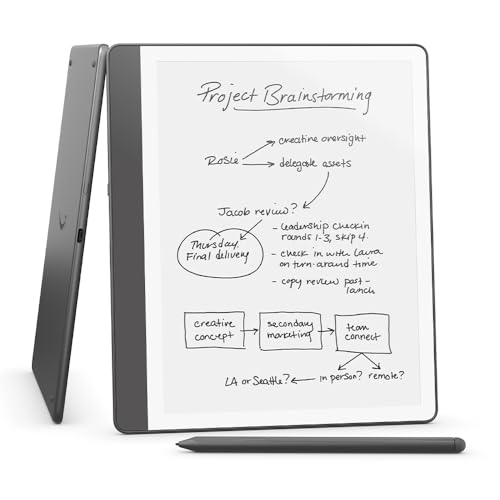
Kindles aren't just for reading — Amazon also makes a couple of Kindles that you can scribble notes on. The Kindle Scribe and Kindle Scribe Colorsoft both have a generous, glare-free e-ink screen you can use for reading or writing; they're billed as streamlined, minimalist productivity tools that help you stay focused.
We've been impressed with both e-readers — the Kindle Scribe holds a coveted spot in our best e-readers ranking. However, there are some compromises involved in choosing one of these models rather than a reading-only option. If you're not sure which one to buy, or whether a different Kindle altogether might fit your needs more closely, you're in the right place.
In this guide, I'll provide a handy overview of the Kindle Scribe and Scribe Colorsoft, including how the specs match up and any major downsides for each model, as well as how they compare to the wider Kindle lineup. I'll also round up the different iterations so you can see your options and what they cost. Let's get started...
Kindle Scribe — Overview
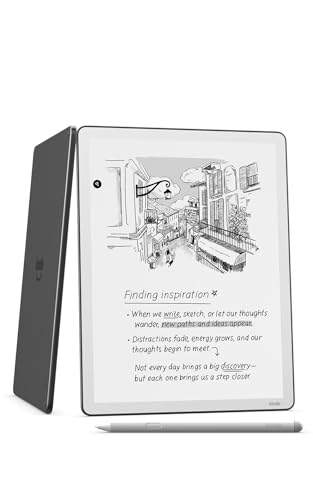
The Kindle Scribe is Amazon's black-and-white e-reader with writing support included. We're on our third generation, released in the US in late 2025 and in other territories in early 2026. We awarded it an impressive 4.5 stars in our Kindle Scribe (2025) review.
Probably because it had already had a relatively recent update, the Kindle Scribe wasn't included in the big refresh the rest of the range enjoyed in October 2026 (we now have a classic Kindle 2026, a Kindle Paperwhite 2026 and a Kindle Colorsoft 2026).
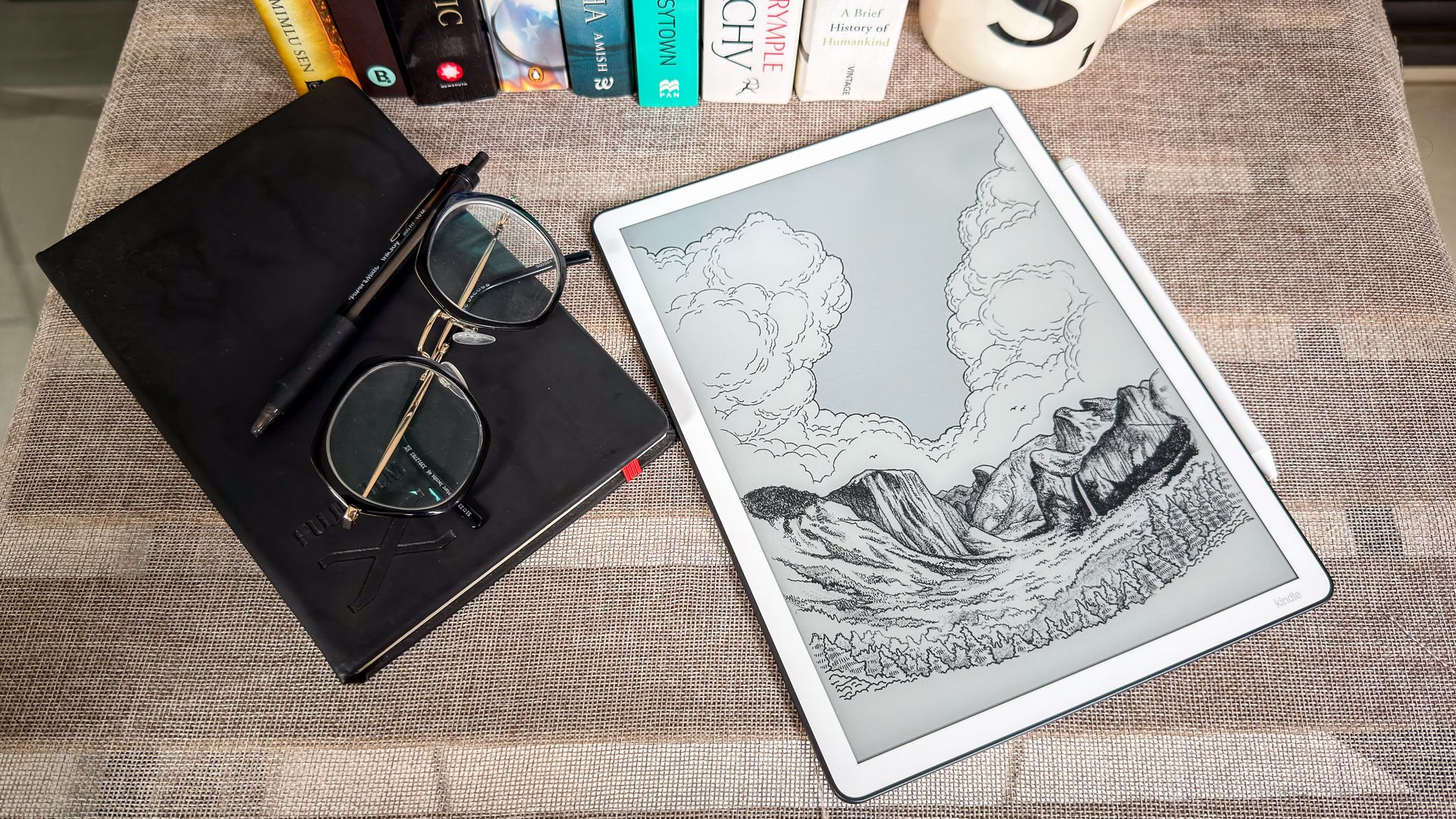
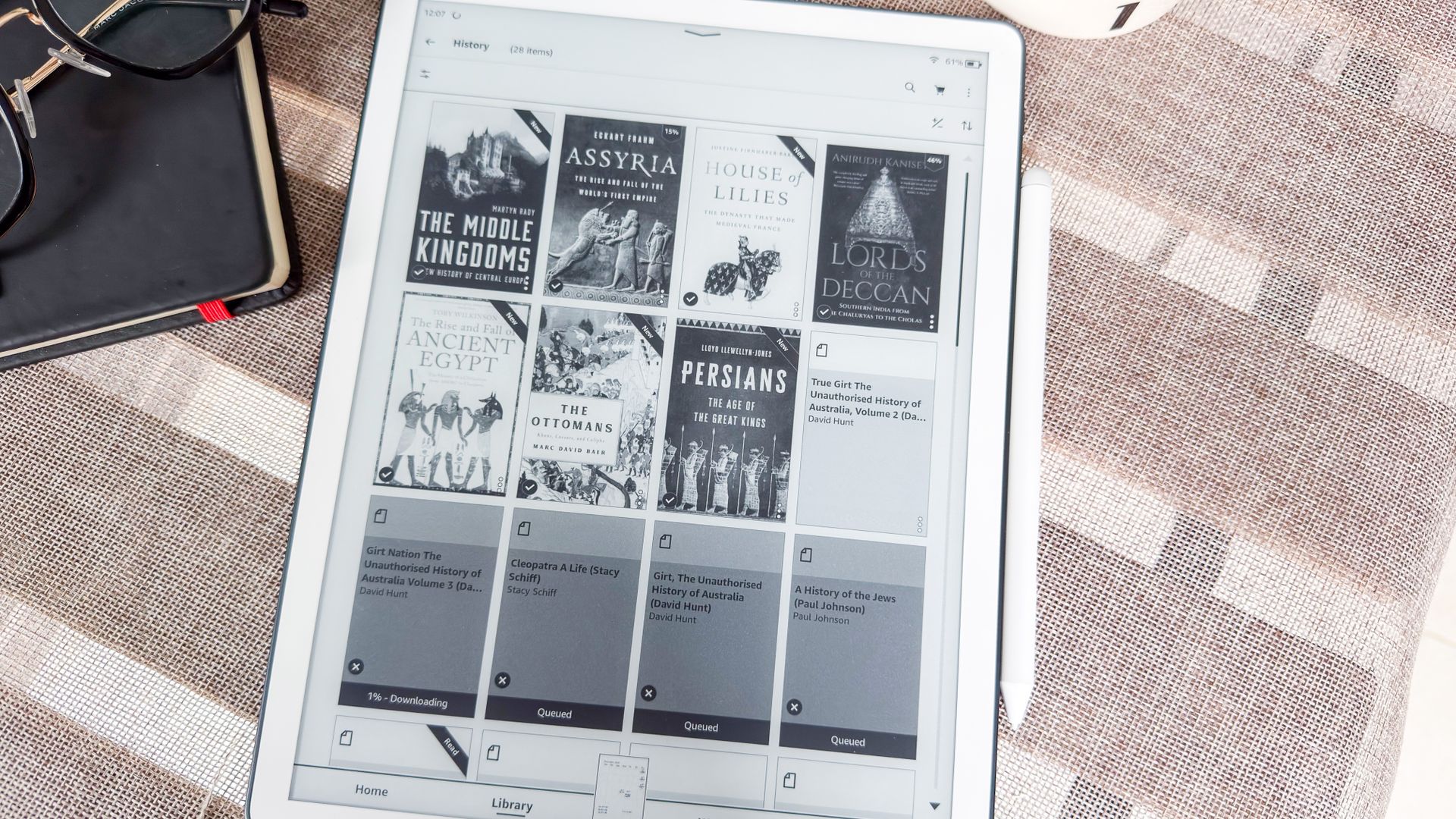
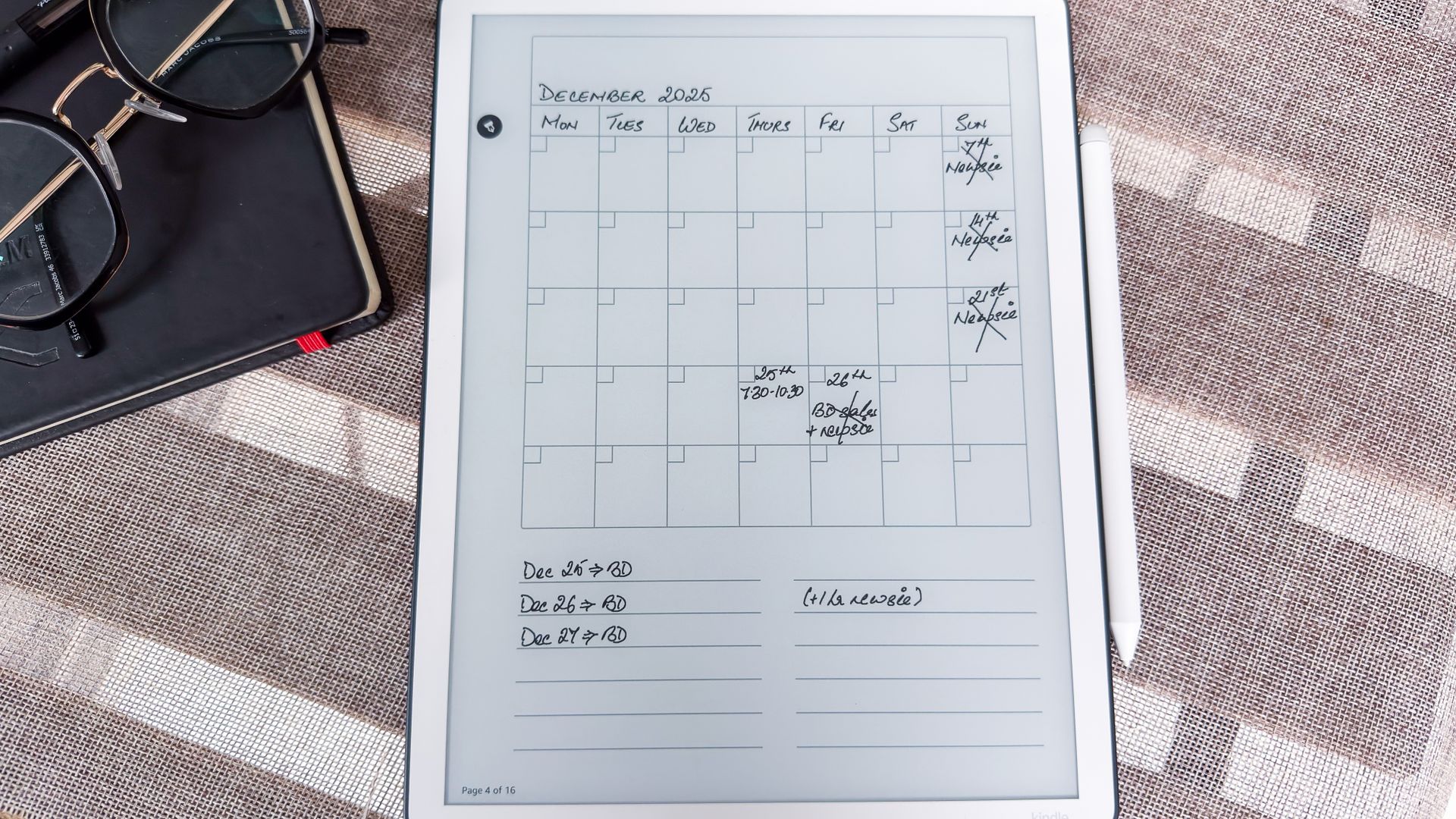
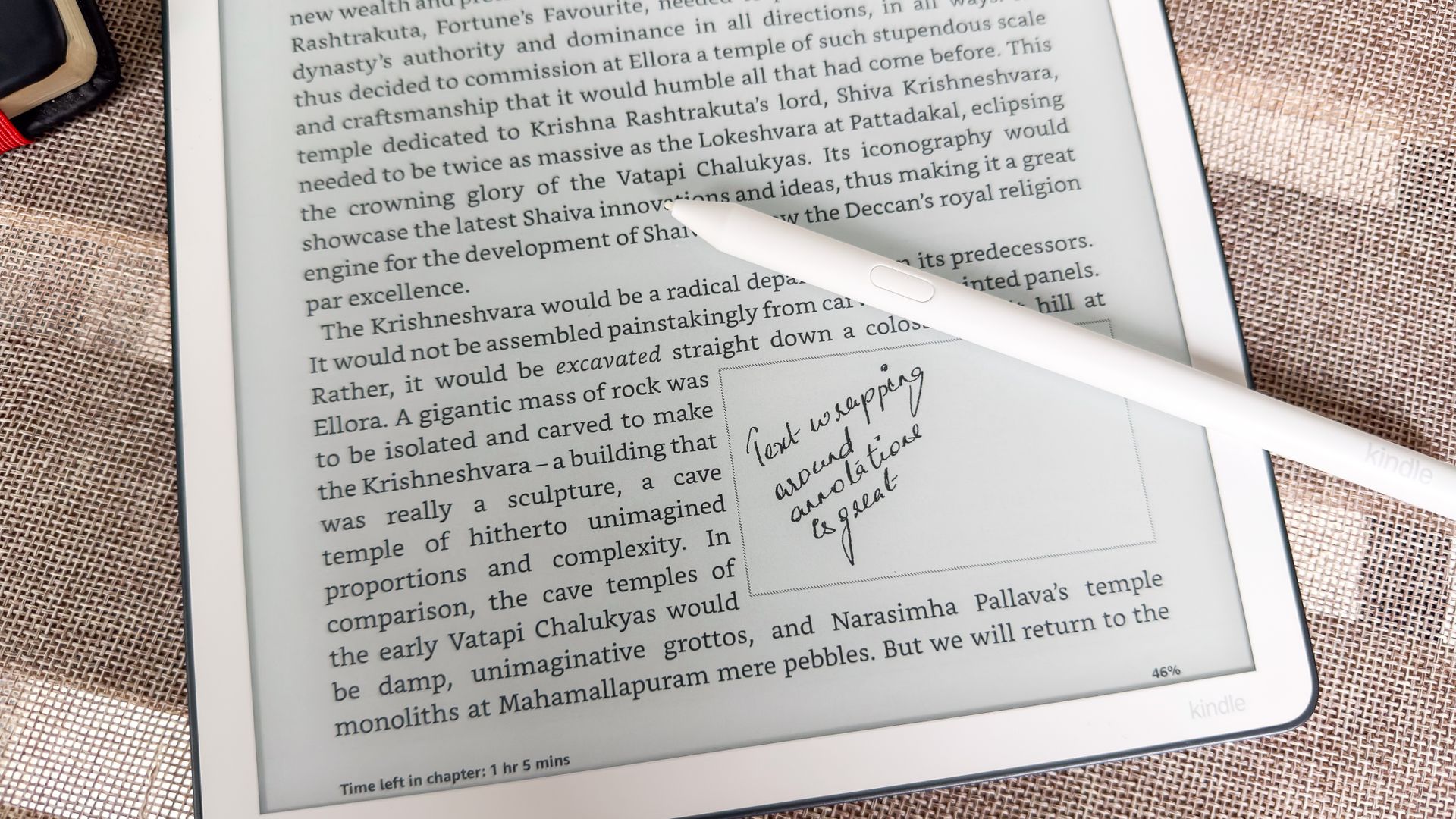
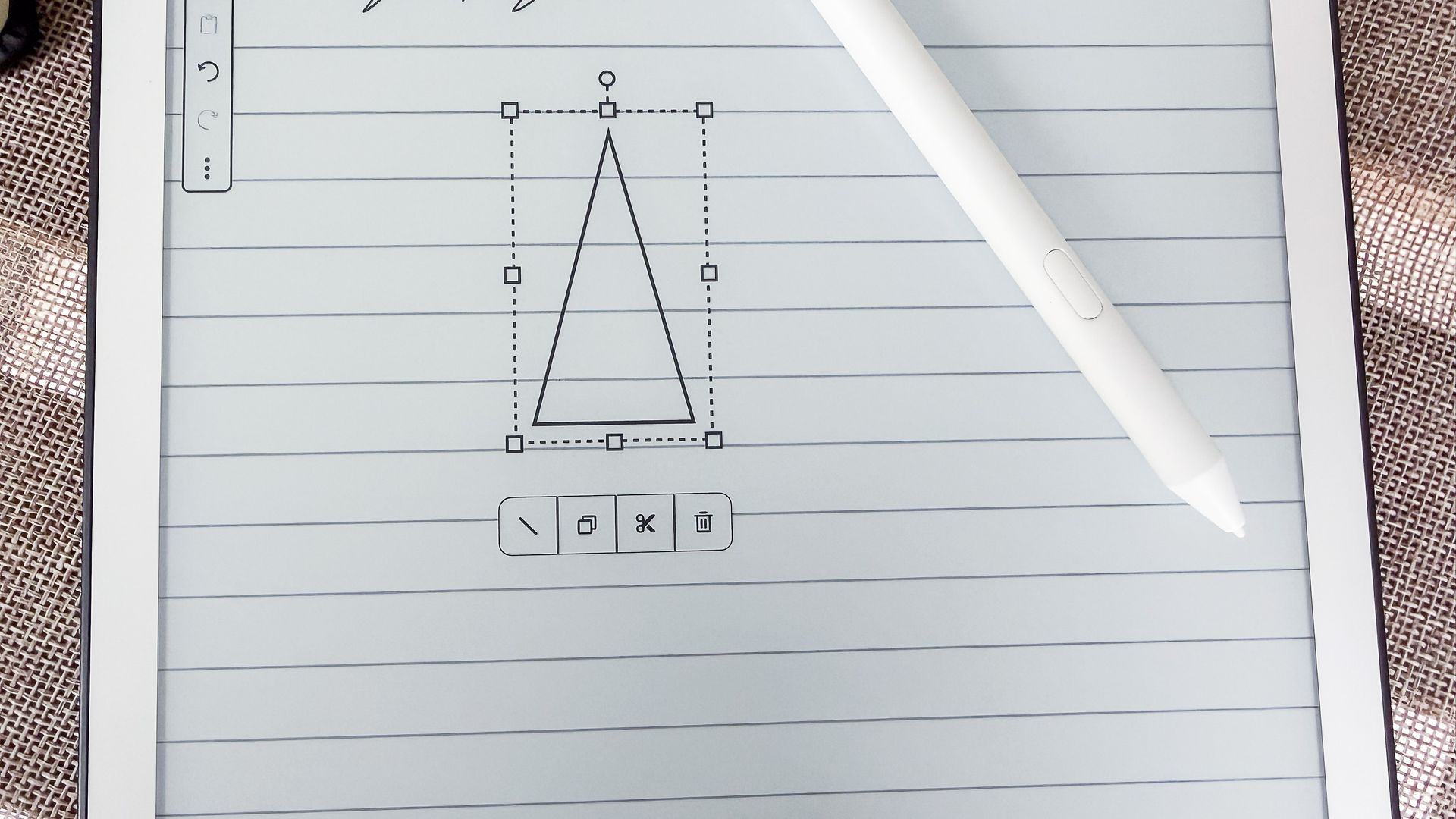
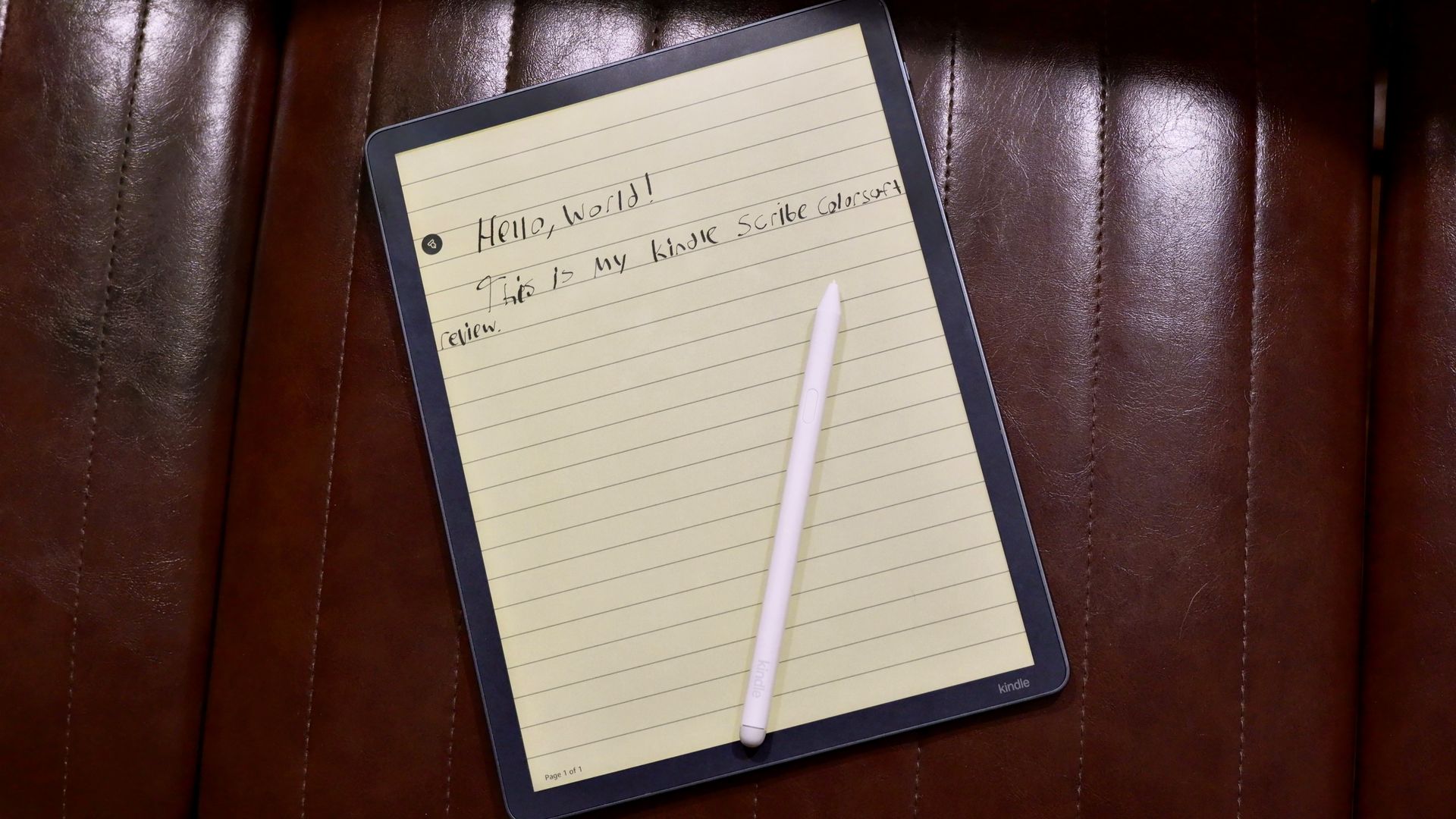
The Scribe is basically a Kindle, except that if you want to take notes, you can grab the stylus and scribble down your thoughts. That's probably simplifying it a bit too much — there are a number of writing features to explore, including an adjustable-size Quick Notes pad, various workspace templates, AI-powered handwriting conversion and summary creation tools, and the ability to add notes onto a book (with text wrapping around it) or in a margin column. The newest version also includes Google Drive and Microsoft OneDrive connectivity.
 Sharmishta Sarkar / TechRadar
 Sharmishta Sarkar / TechRadar
 Sharmishta Sarkar / TechRadar
 Sharmishta Sarkar / TechRadar
 Sharmishta Sarkar / TechRadar
 Sharmishta Sarkar / TechRadar
The Kindle Scribe is not just a Kindle Paperwhite with writing functionality, though — it diverges in both design and specs from the reading-only models. For a start, it's much bigger. The screen is 11 inches diagonally, while reading Kindles have a 6-inch or 7-inch screen. It's also heavier, clocking in at around double the weight of the Paperwhite and Colorsoft models (with 7-inch screens). Like the cheapest base model, it isn't waterproof, so it's not good for reading or note-taking in the bath.
In reading mode, the battery life is among the longest on any Kindle, but switch to note-taking, and it drops considerably. Amazon estimates around 3 weeks of writing before you'll need to recharge — still a lot longer than your average tablet, mind you. You can choose from different storage capacities, but keep in mind that all the writing features eat up quite a bit of space.
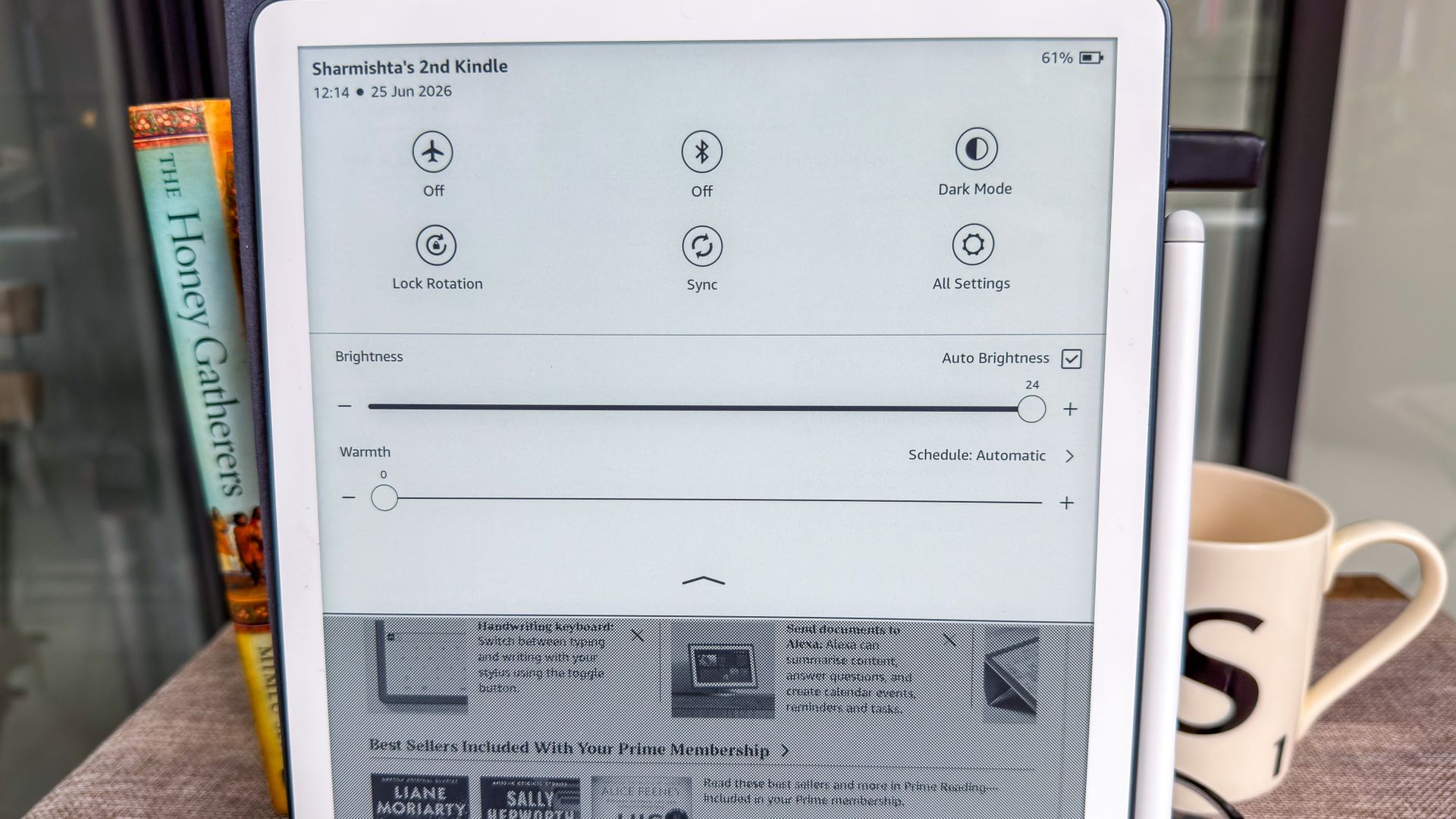
In some territories, you can choose between a model with a frontlight and one without. If you want to read or write in any lighting conditions, you'll need to stump up for the frontlight version. Assuming you have, you'll be able to choose from a range of color temperatures (from blue-toned to yellow-toned) and there's a sensor that'll adjust brightness automatically depending on your surroundings.
Kindle Scribe Colorsoft — Overview
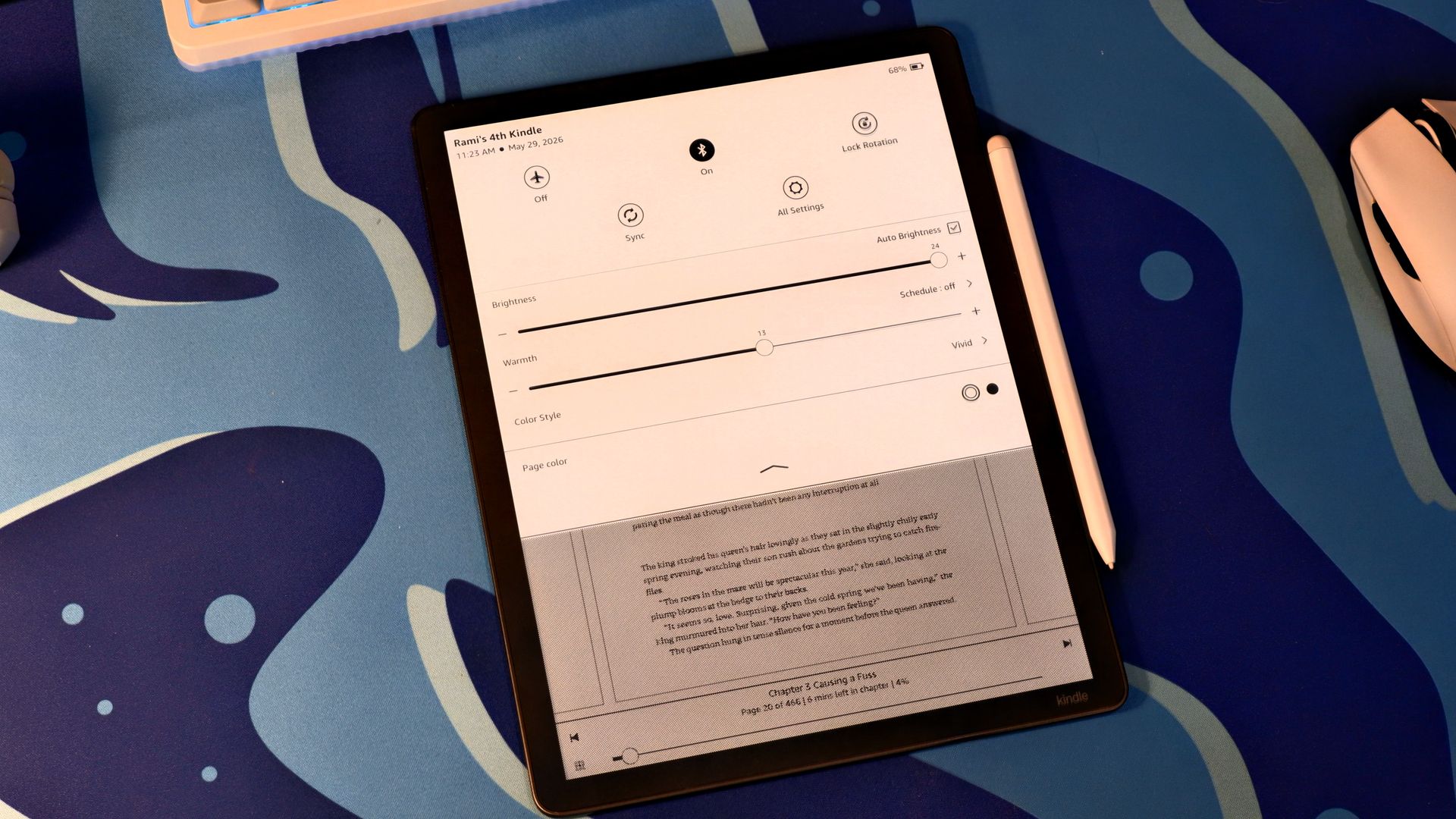
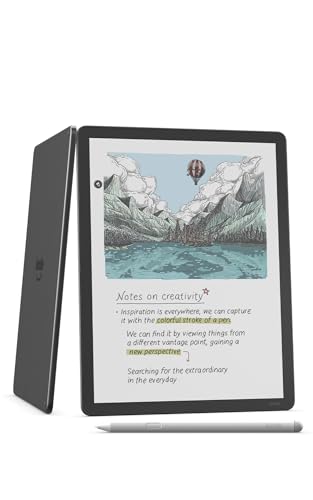
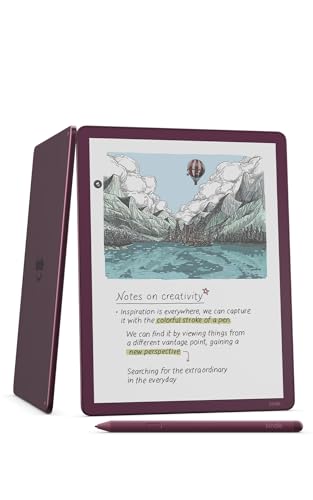
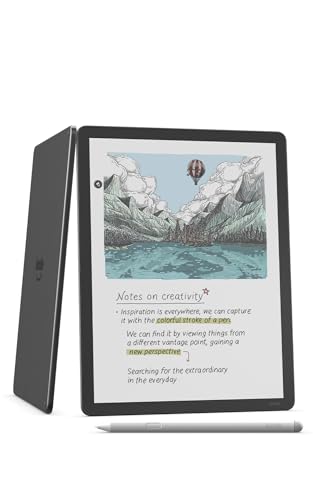
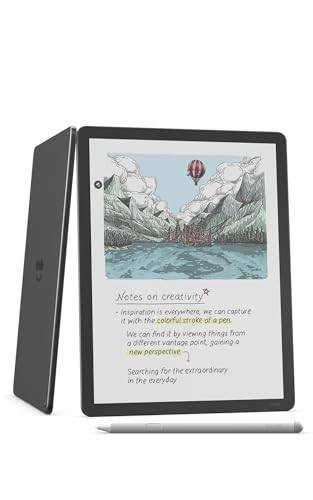
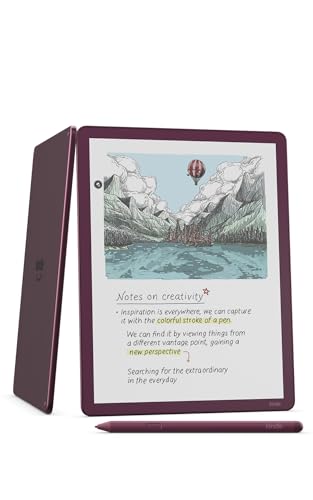
The Kindle Scribe Colorsoft is essentially a Kindle Scribe, but with color display support. Most of what I've described in the previous section is also relevant here: there's an 11-inch screen (although the overall proportions are slightly different), no waterproofing, a range of storage capacities, and warm or cool backlighting options (you can't opt out of a backlight here).
Due to the color screen, the battery life has taken a further hit: you can expect around eight weeks of reading or two weeks of writing per charge.
 Future/Rami Tabari
 Future/Rami Tabari
 Future/Rami Tabari
 Future/Rami Tabari
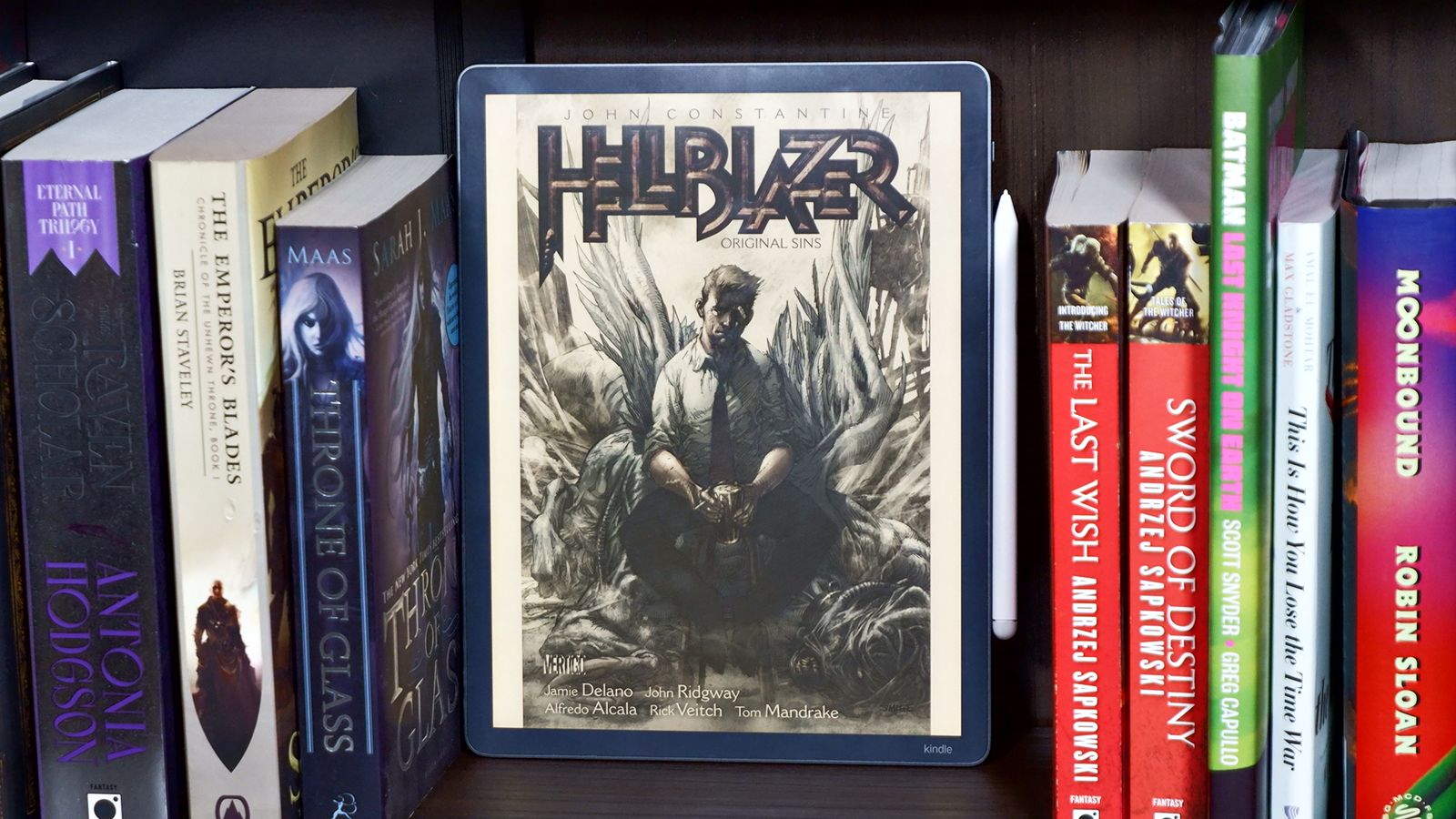
This is the first-generation model, and it launched at the end of 2025. We awarded it four stars in our Kindle Scribe Colorsoft review, but there are some caveats to be aware of if you're thinking of buying one.
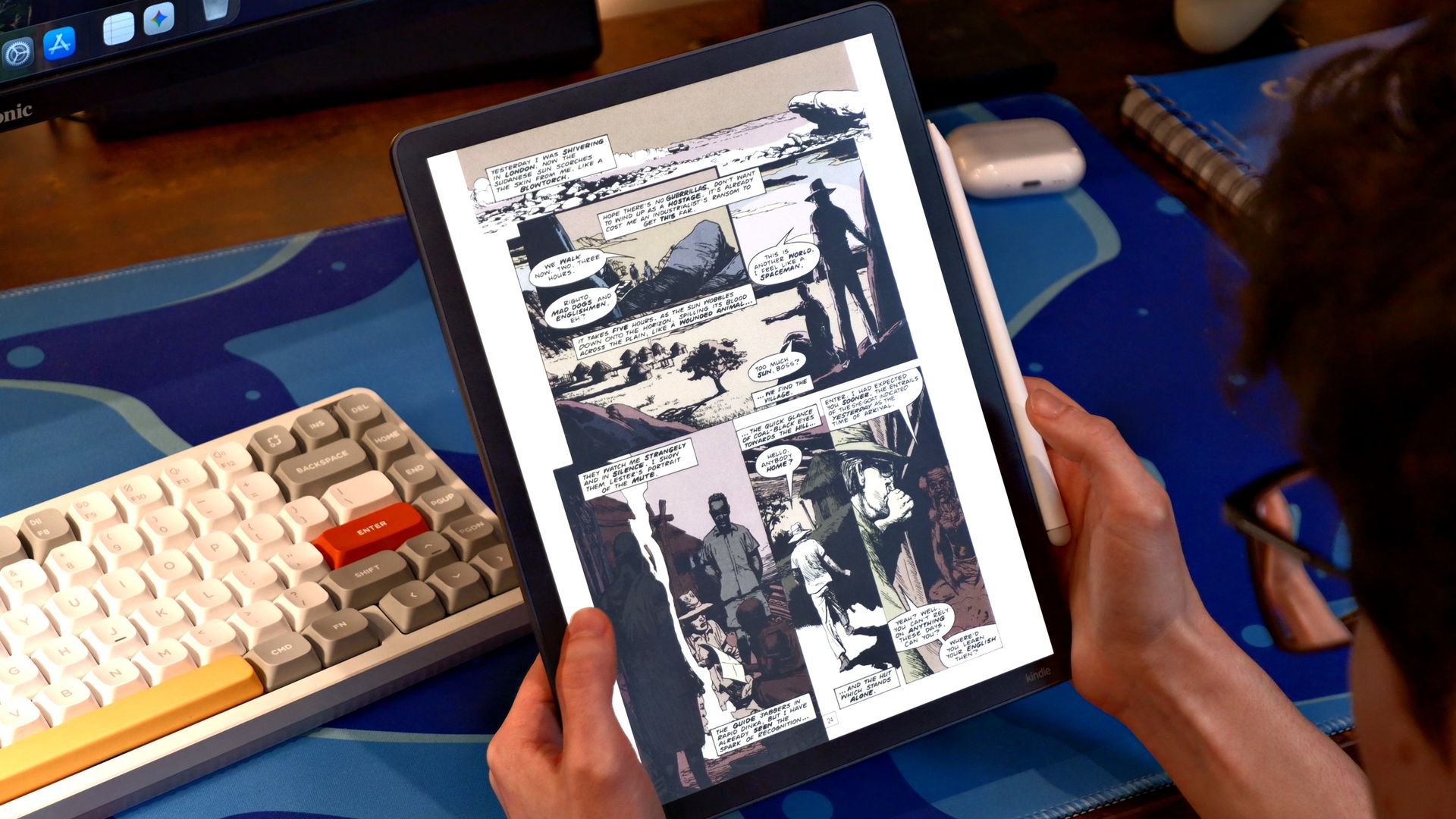
First, you can't use the writing and color capabilities in tandem — so you couldn't take notes on a graphic novel, for instance. Our resident e-reader expert believes that color e-ink just isn't quite there yet, which could be a deal-breaker if you're buying it specifically to enjoy graphic novels.
At this price (high), an iPad or Android tablet is a viable alternative and could deliver better value for money if you're seeking an all-round productivity tool with a colorful screen.
US: Kindle Scribe range
⬇️ Hop down to the UK Kindle Scribe range
UK: Kindle Scribe range
⬆️ Hop back to the US Kindle Scribe range
Kindle Scribe vs Scribe Colorsoft: specs
Current gen: |
3rd gen (2025) |
1st gen (2026) |
Size (W x L x D): |
196 x 230 x 5.7mm |
189 x 245 x 5.4mm |
Weight: |
433g |
400g |
Display: |
11-inch glare-free |
11-inch glare-free with color display |
Resolution: |
300ppi |
300ppi (black and white) / 150ppi (color) |
Storage: |
16, 32 or 64GB |
32 or 64GB |
Battery life: |
12 weeks reading / 3 weeks writing |
8 weeks reading / 2 weeks writing |
Warm light option: |
Yes |
Yes |
Auto brightness adjustment: |
Yes |
Yes |
Waterproof (IPX8): |
No |
No |
Writing capability: |
Yes |
Yes |
Read our review: |
How does it compare to the rest of the lineup?
It might be that neither of the Scribe models will be a good fit for your needs. Here's how the two writing options compare to the rest of the Kindle lineup.
Display: |
6-inch glare-free |
6-inch glare-free |
7-inch glare-free |
7-inch glare-free |
7-inch glare-free w/ color display |
7-inch glare-free w/ color display |
11-inch glare-free |
11-inch glare-free with color display |
Size (W x L x D): |
108 x 152.8 x 6.85mm |
108 x 152.8 x 6.9 mm |
126.8 x 174.7 x 6.8mm |
126.8 x 174.7 x 6.8mm |
126.8 x 174.7 x 6.8mm |
126.8 x 174.7 x 6.8mm |
196 x 230 x 5.7mm |
189 x 245 x 5.4mm |
Weight: |
140g |
162g |
204g |
229g |
204g |
229g |
433g |
400g |
Resolution: |
300ppi |
300ppi |
300ppi |
300ppi |
300ppi (black and white) / 150ppi (color) |
300ppi (black and white) / 150ppi (color) |
300ppi |
300ppi (black and white) / 150ppi (color) |
Storage: |
16GB |
32GB |
16GB |
32GB |
16GB |
32GB |
16, 32 or 64GB |
32 or 64GB |
Battery life: |
6 weeks |
6 weeks |
12 weeks |
12 weeks |
8 weeks |
8 weeks |
12 weeks reading / 3 weeks writing |
8 weeks reading / 2 weeks writing |
Warm light option: |
No |
No |
Yes |
Yes |
Yes |
Yes |
Yes |
Yes |
Auto brightness adjustment: |
No |
No |
No |
Yes |
No |
Yes |
Yes |
Yes |
Waterproof (IPX8): |
No |
No |
Yes |
Yes |
Yes |
Yes |
No |
No |
Writing capability: |
No |
No |
No |
No |
No |
No |
Yes |
Yes |